
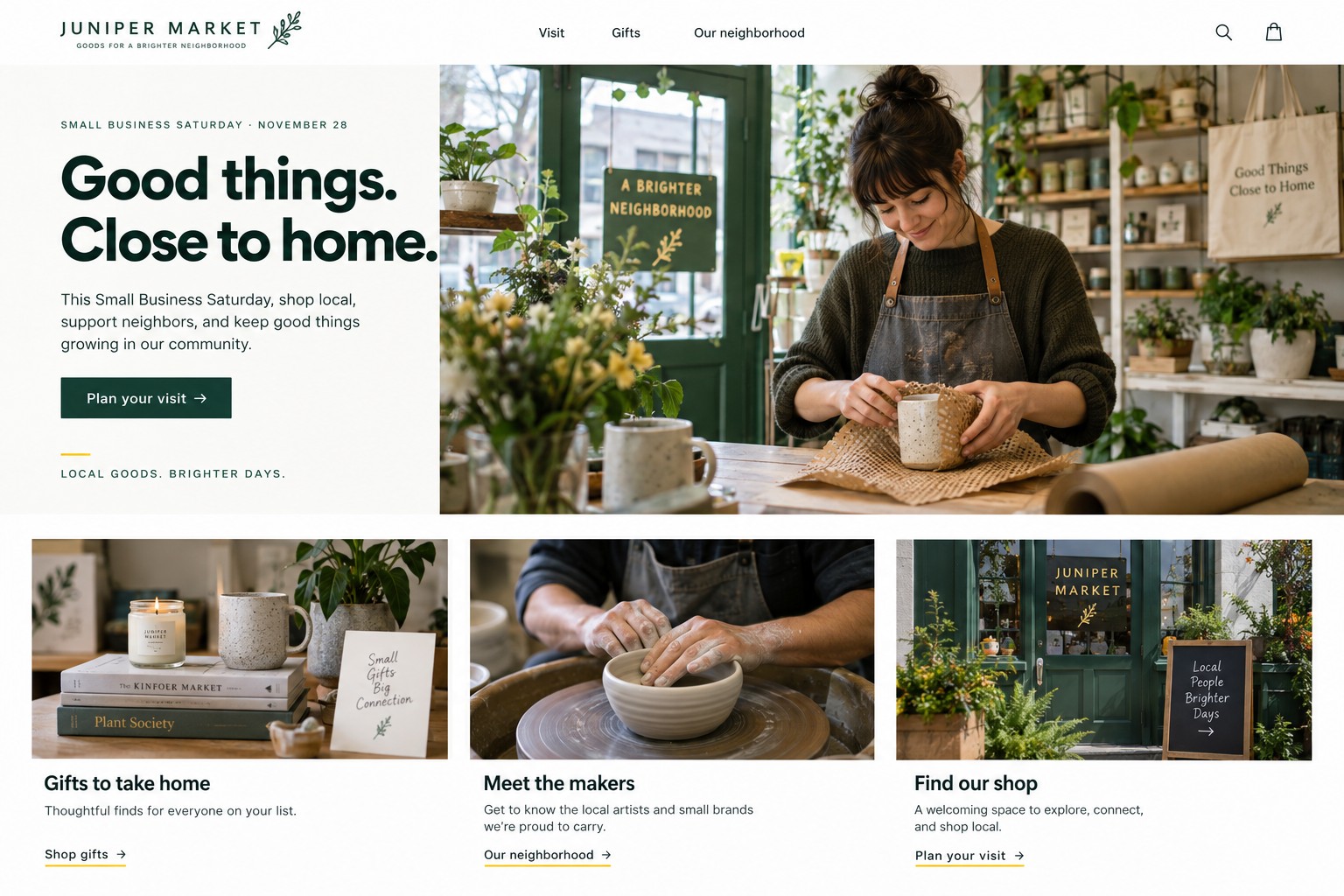
Small Business Saturday marketing should help nearby customers decide whether to visit: what the shop sells, where it is, when it is open, what is available, and what an offer includes. In 2026, the date is November 28. Build the campaign around verified information and an offer the team can fulfill.
What information helps a shopper plan a store visit?
Put the store name, address, Saturday hours, phone or contact method, parking or transit notes, and access instructions in one easy-to-find place. Explain what customers can expect: regular shopping, a demonstration, gift wrapping, or a featured selection, if those details are confirmed. Link social posts and ads to this page or to an accurate business profile with matching information.
For fictional neighborhood shop Juniper Market, the page might say: “Open Saturday, November 28, 10 a.m. to 5 p.m. at [verified street address]. Browse home goods and seasonal gifts. Call [store phone] to ask about current availability.” Replace bracketed details before publication. Do not invent an event, parking arrangement, stock count, or accessibility feature to make copy sound complete.
Google’s ecommerce guidance recommends providing a physical store’s location and opening hours on business information pages and describes LocalBusiness structured data as a way to share those details. Keep structured information consistent with visible page content. A search feature appearance is not guaranteed. (Google ecommerce structured data guidance)
What kind of offer suits a neighborhood store?
Choose a promotion that makes sense for the products and staffing. It could be a fixed price on a selected gift, a bundle assembled from stock on hand, or gift wrapping if the team can provide it. State who qualifies, when the offer runs, which items are included, and what happens if the featured item sells out. A discount is optional. Useful local information and a welcoming reason to browse can carry the campaign.
Fictional offer math: Juniper Market considers a $48 gift bundle with $21 in merchandise cost and $3 for packaging and payment costs. That leaves $24 before labor, rent, advertising, and profit. At a $42 offer price, $18 remains on the same assumptions. Suppose the owner estimates 30 bundles can be assembled and displayed without disrupting regular service, then caps the promotion at 24 to leave room for replenishment and walk-in questions. All names and figures are fictional, not a forecast, benchmark, or client result. Use the store’s costs and staffing capacity.
Check the offer price at the register and across every channel. The FTC’s small business advertising guide says sale-price and comparison claims are subject to truth-in-advertising standards. Keep terms easy to notice, and decide how staff will respond when inventory runs out. This is general marketing information, not legal advice. (FTC advertising guide for small businesses)
How should the store reach nearby customers?
Use social posts to show the real storefront, product range, and visit details. A fictional caption could read: “Make a neighborhood stop on Saturday, November 28. Juniper Market will be open [confirmed hours] at [confirmed address], with a gift bundle for $42 while the planned quantity is available. Check the visit details before you head over.” Keep date, address, and offer consistent. Use images the store has rights to share and describe them with accessible text.
A Google Ads campaign can target an appropriate service area when the business has a working location page and a suitable budget. Keep location and offer details accurate. Monitor calls, direction requests, or other meaningful actions alongside purchases, and do not treat clicks as proof of visits. Pause advertising if the offer ends, hours change, or the team cannot support the promotion.
AMÁRQUEZ can organize local visit information on a web page, create a focused Google Ads campaign, and prepare social media posts using confirmed details and current images. The right plan depends on location, budget, offer, and staffing. No specific foot traffic or sales outcome is guaranteed.
What should staff prepare for the day?
Agree on opening and closing times, who answers calls and messages, which items qualify, how many are available, and how staff will handle a sold-out offer. Make sure the business profile and website display holiday hours if they differ from normal hours. Prepare a simple way to answer stock questions, such as a call, message, or page update that someone can maintain.
Think through the customer’s visit from the first post to the register. Can someone identify the storefront from its sign? Is the entrance easy to find? Are the featured products grouped together? Does staff know the offer terms and whether it can be combined with other discounts? These are operational choices for the business, but explaining them in advance reduces avoidable confusion. If the shop expects a line, describe any confirmed process without promising a wait time you cannot support.
Where nearby businesses have confirmed a shared activity or map, the shop can link to that information with permission. Do not imply a partnership or event without agreement. The Small Business Administration publishes an official Small Business Saturday observance page; consult it for current program information. Avoid suggesting a store participates in a separate cardholder promotion unless that participation has been confirmed. (U.S. Small Business Administration, Small Business Saturday)
How can a web page support an in-person visit?
A simple page can answer practical questions before a customer leaves home: current hours, location, featured products, offer terms, contact options, and any verified pickup or reservation process. Keep the first screen direct and test map and phone links on a mobile device. If an item is available only in-store, say so. If online pickup is available, explain when an order is confirmed and which pickup windows the store supports.
For a broader holiday weekend strategy, see Black Friday retail advertising and Cyber Monday ecommerce landing pages. AMÁRQUEZ also has a holiday advertising budget guide for planning spend around capacity.
Where can a local shop get campaign help?
Bring the verified address and hours, photos, product and offer details, service area, and the person who will manage updates when you contact AMÁRQUEZ about Google Ads. For a location page or website improvements, see web design contact. A practical campaign gives neighbors facts they can act on and gives the store team an offer they can deliver.